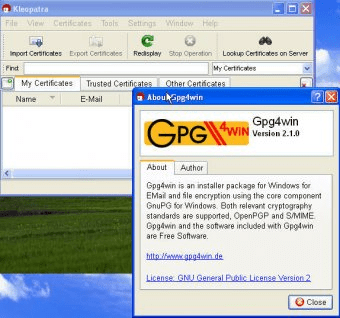
GnuPG For Windows 1.1.4 is an encryption suite for Windows computers. GnuPG is a well-known tool in the world of distributable releases and the Gpg4win project makes it possible to use this tool to encrypt e-mails and plain text. There are many ways in which you can use this application to encrypt messages. There are plenty of plug-ins for e-mail clients and web browsers that can be used to encrypt messages on-the-fly. The most basic way is to exchange the encryption keys with the recipient of the messages. The process is fairly basic: one creates an encryption key which is protected by a password (the stronger the password, the harder it is for a message to be decrypted by someone who doesn't know the password) and shares it with someone whom he will be sending encrypted messages to. The other person then opens the file with GnuPG and reads the message. This suite comes with several applications. The most important one is WinPT, which allows you to create and manage encryption keys. Also, with GnuPG for Windows, you get a context menu which you can use to encrypt the messages when you right click a file. There are two versions for this application; the stable one and the beta. It is recommended that you download the stable version, since the beta is known to have plenty of bugs and it tends to be slower. The stable release is version 1.1.4 and the beta version is 1.9.16.






Comments (1)